
Getting started
This page walks you through setting up your ekko Climate API integration, from accessing ekko Hub to making your first API call in the sandbox.
Step 1: Access ekko Hub
ekko Hub is ekko’s web portal for managing your integration. It’s where you create API credentials, manage organisations and track contribution insights.
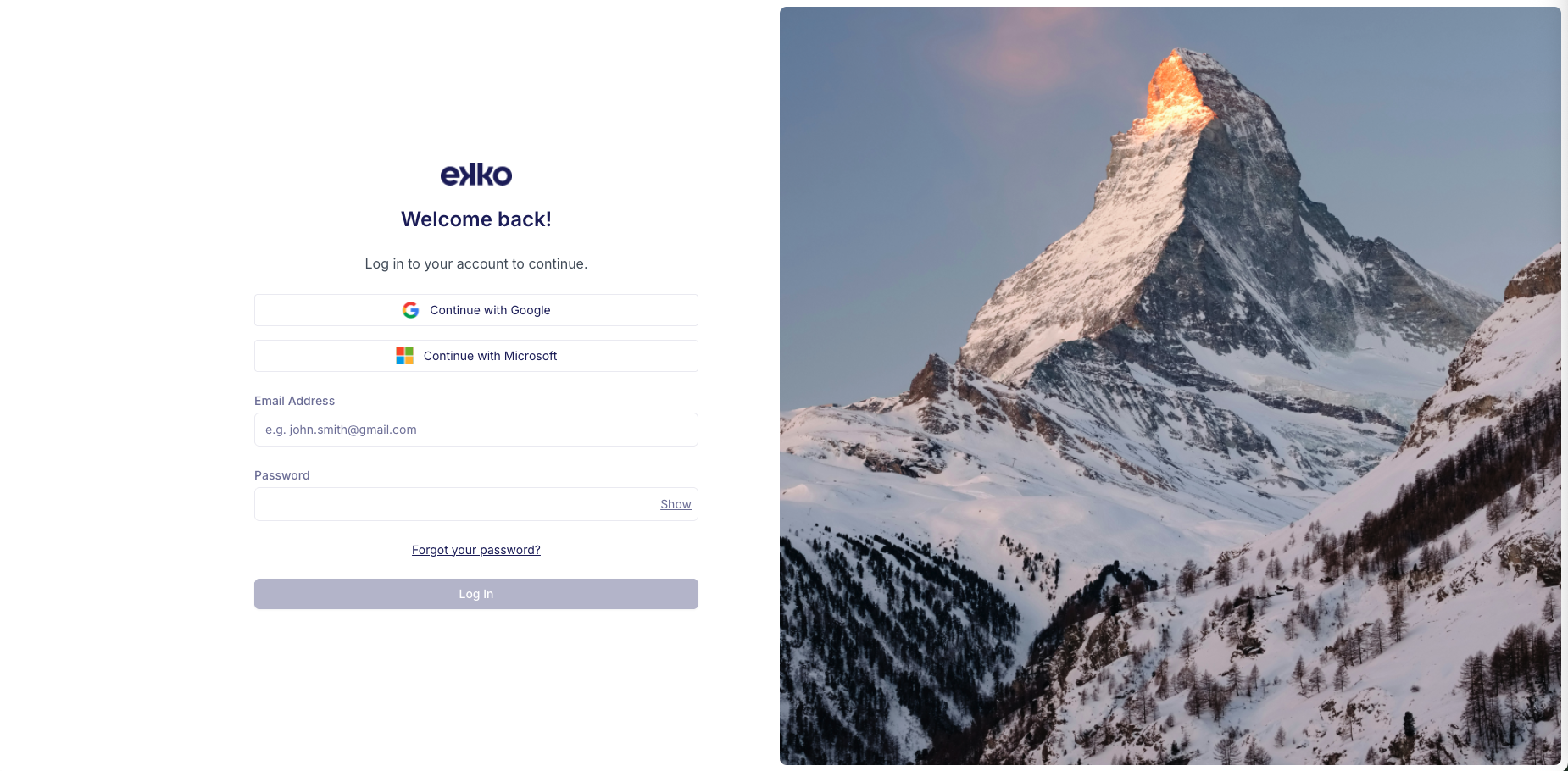
When you start an integration with ekko, you’ll receive an invite to the sandbox version of ekko Hub. After setting up multi-factor authentication (MFA), you’ll be ready to log in.
For more on what you can do in ekko Hub, see the ekko Hub overview.
Step 2: Create your API key
- Log in to ekko Hub (sandbox)
- Navigate to the Developer Console
- Generate a new API key
Your API key authenticates all your API calls. Store it securely and don’t share it.
Your API key must be passed in the Authorization header as a Bearer token on every request. Send the Ekko-Version header on every request too, naming the API version you built against. See Versioning.
The sandbox base URL is:
https://staging.api.ekko.earth/v3Protect your API key
Do not expose your API key in public code or repositories.
Step 3: Choose your integration path
Choose the integration path that fits your use case, then follow the steps on the matching page.
If you're a bank, that's the direct API. See Integrating as a bank.
Step 4: Explore the sandbox
Use the sandbox to try out different scenarios:
- Simulate purchases with varying amounts and merchants
- Trigger contributions and reversals
- Test SDK flows before you go live
When you’re ready, the go-live checklist covers everything you need to move to production.
Updated 3 days ago