
ekko Hub overview
ekko Hub is ekko’s web portal for managing your integration. It’s where your team creates API credentials, manages access and tracks contribution insights.
Production: hub.ekko.earth
Sandbox: staging.hub.ekko.earth
With ekko Hub you can:
- View contribution insights across your organisations
- Manage users and assign roles
- Create and manage API keys
- Set up IP allowlisting
- Access and manage child organisations
- Configure organisation details, billing and impact partner assignments
Dashboard
The dashboard shows contribution and footprint data across your organisations, alongside the environmental projects your contributions support.
You can filter by organisation, country or date for customised views.
Managing child organisations
If you manage child organisations, ekko Hub gives you two tools for working with them.
Organisation selector
The organisation selector in the top left of ekko Hub lists all child organisations under your account. The currently active organisation appears at the top of the list. Selecting a child organisation switches the Hub view to that organisation’s context, letting you create API keys, manage users and configure its settings.
Child organisations
The Child organisations page, under Management in the navigation, shows all child organisations in a single table. For each child organisation you can see the number of users set up and the number of child organisations beneath it.
From this page you can also add a user to an organisation, switch into its view or deactivate it.
Users
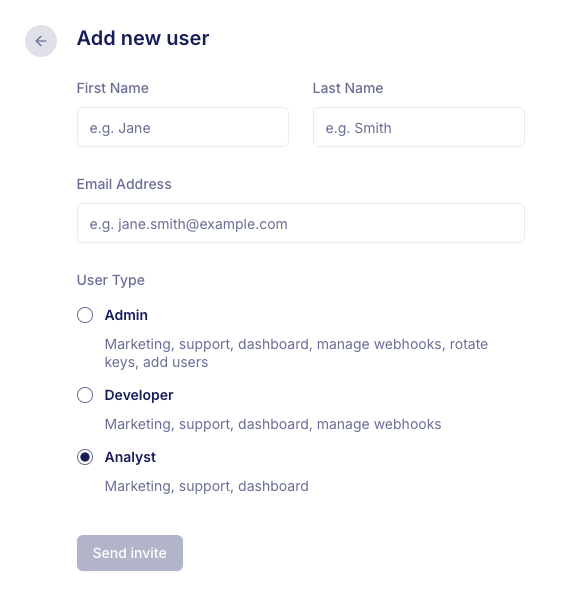
Invite your team and assign roles so everyone has the right level of access. The available roles are:
- Admin: access to marketing, support and dashboard, plus the ability to rotate API keys and add users
- Developer: access to marketing, support, dashboard and IP allowlisting
- Analyst: access to marketing, support and dashboard
Console
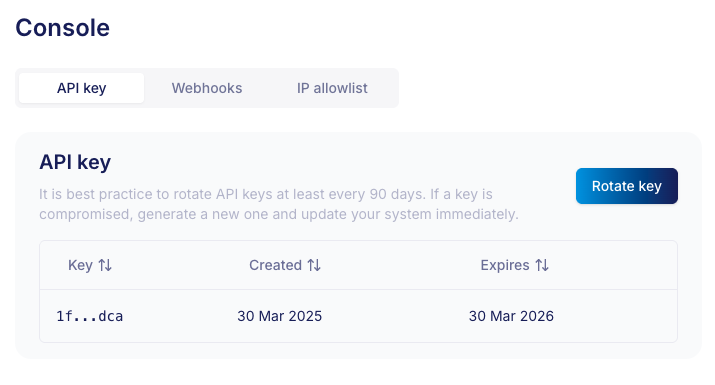
The console is your developer toolkit inside ekko Hub. Here you can:
- Create and rotate API keys to keep your integration secure and up to date (admin role only)
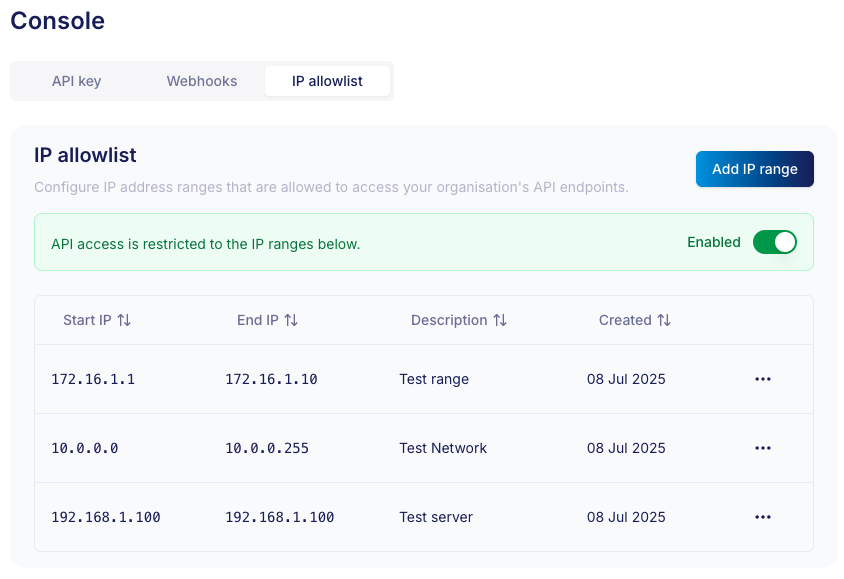
- Enable IP allowlisting to restrict API access to trusted environments only
Settings
The Settings section contains configuration for the current organisation.
Organisation details
Address and contact information for the organisation.
Billing
View or set up billing for the organisation. If billing hasn’t been configured yet, you can do so from here.
Impact partners
The impact partners enabled for this organisation.
Marketing toolkit
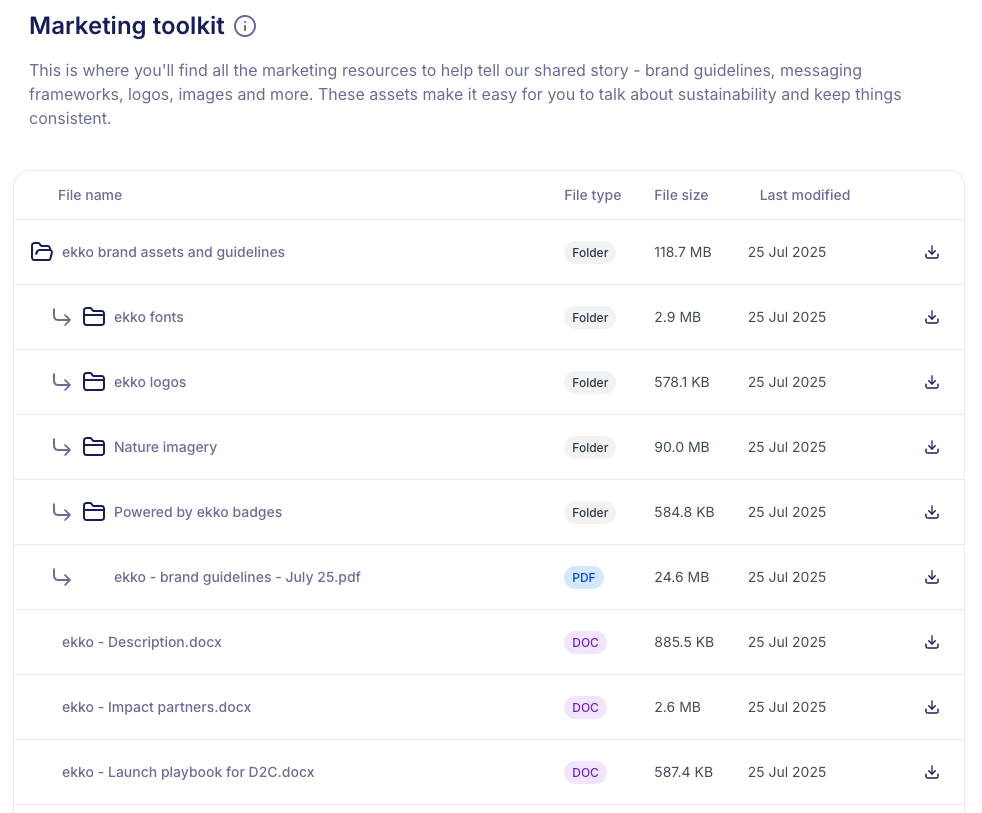
The marketing toolkit has ready-to-use assets for communicating your partnership with ekko, from launch playbooks and images to messaging guides.
- For images: browse the image library (all rights included)
- For brand asset usage and how to talk about ekko: see the brand guidelines
- For more detail on ekko’s work and the positive impact of the projects your collaboration supports: see the messaging guidelines
Updated 2 months ago